
Rainbow Cursor

Cursors in the pack
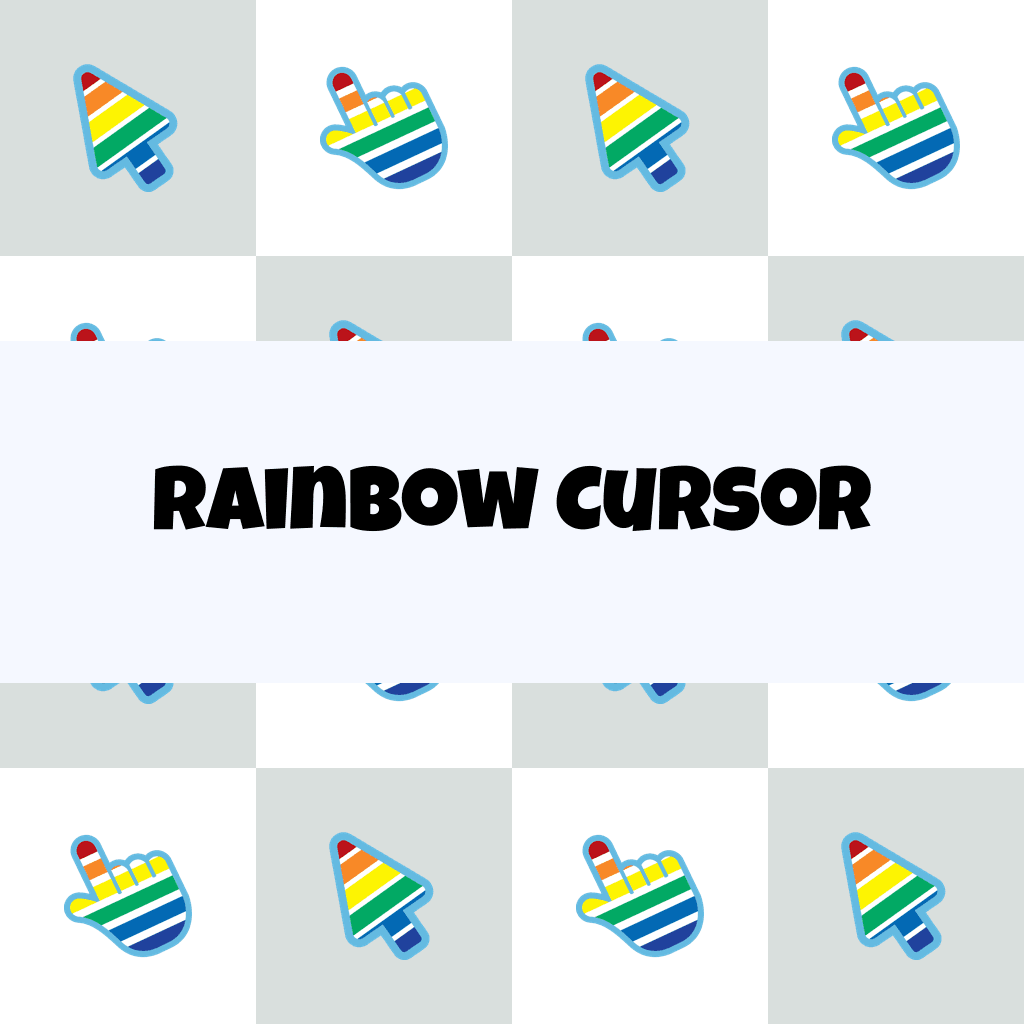
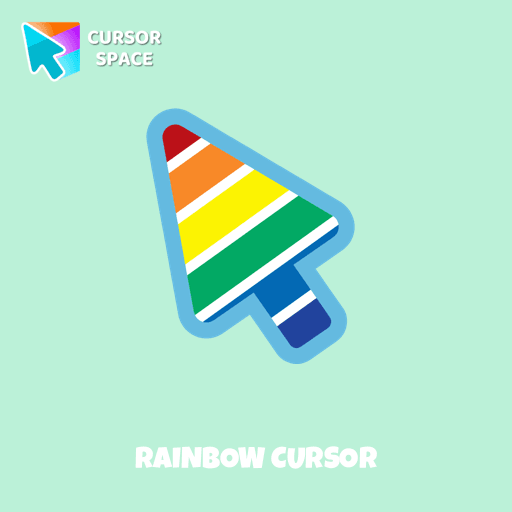
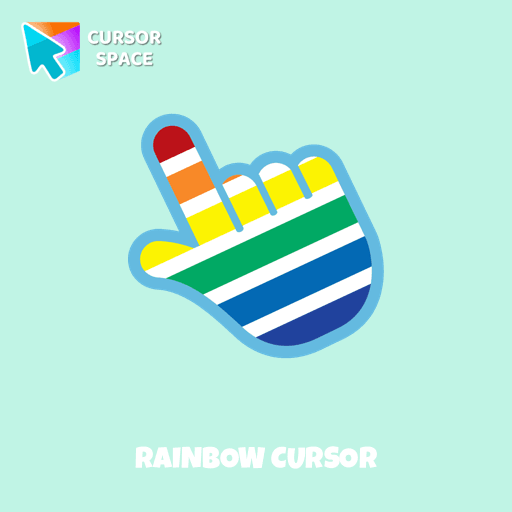
Description
Enjoy the beauty of a rainbow in your browsing experience with the Rainbow cursor from our custom cursors collection for your browser.
This charming cursor is inspired by the stunning natural phenomenon where colorful arches appear due to the refraction of light through water droplets when struck by sun rays. Enhance your cursor experience with this unique, well-designed cursor that adds creativity and charm to your mouse pointer.
Explore a variety of custom cursors in the Cursors collection and discover customization options that fit your style and preferences. Add the Rainbow cursor to your browser now to bring a vibrant and colorful touch to your browsing experience.
What's included in the package
- Default Cursor
- Pointer (Hand)
How to install a custom cursor pack Rainbow Cursor
Install the Cursor Space extension for Chrome or Cursor Space for Edge in your browser.
On this page, click "Add this cursor pack to the extension".
Open the extension and go to the Packs tab.
Find the custom cursor pack "Rainbow cursor" and click it.
Enjoy!
Ready to install?
Get this cursor pack and thousands of others by installing our extension. It's fast and free!
About this cursor pack
Rainbow Cursor is a themed cursor pack you can add to your browser to personalize your pointer across common cursor states (default and pointer). Use it for everyday browsing, streaming, studying, or gaming-anywhere you want your cursor to match your vibe.
Instant preview
See how the cursors look before installing.
Easy install
Add the pack to the extension in a few clicks.
Works in your browser
Designed for Chrome and Edge via the extension.
FAQ
Quick answers to common questions about cursor packs, collections, and installation.
Do I need an extension?
Which browsers are supported?
How do I switch back to the default cursor?
Popular cursors today
Custom cursor and packs - neon, anime, pixel art. Quickly add to Chrome and Microsoft Edge for free
- TOP 1

Bibata Modern Classic Cursor
(493)FreeEnhance your desktop with Bibata Modern Classic Cursor - a stylish custom cursor that combines elegant design with classic comfort for everyday use.
- TOP 2
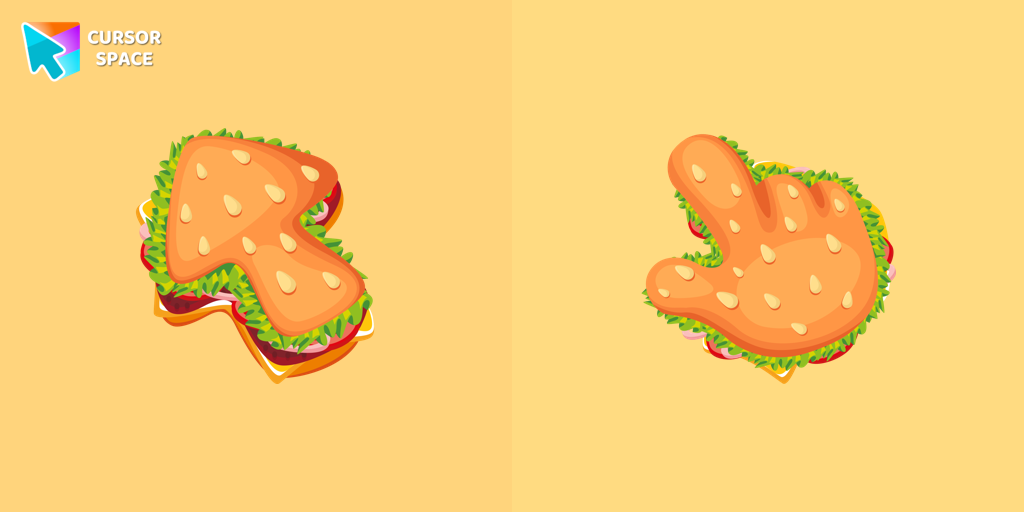
Burger Texture cursor
(418)FreeThe Burger Texture cursor is a distinctive and entertaining option for Chrome users who enjoy personalizing their browsing experience with custom cursors.
- TOP 3

Love-A-Lot Bear cursor
(473)FreeThe Love-a-lot Bear custom cursor from our custom cursors collection for Chrome.

Donut Texture cursor
(452)FreeEnjoy a fun browsing experience with the Donut Textures custom cursor. Inspired by American films, this custom cursor for Google Chrome adds sweetness to your screen.
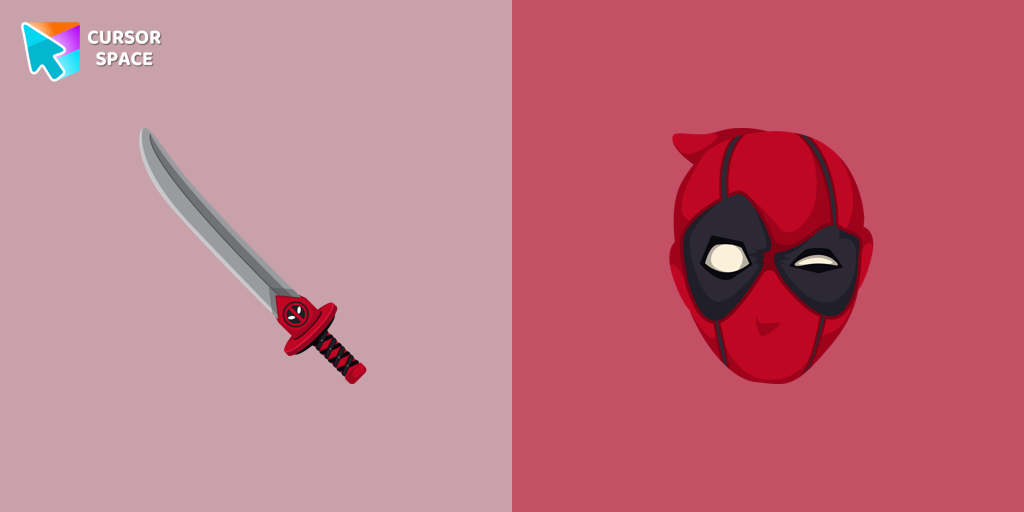
Deadpool cursor
(514)FreeTransform your browsing with Deadpool's custom cursor for Google Chrome. This unique, cute mouse and pointer cursor adds style and fun to your screen.
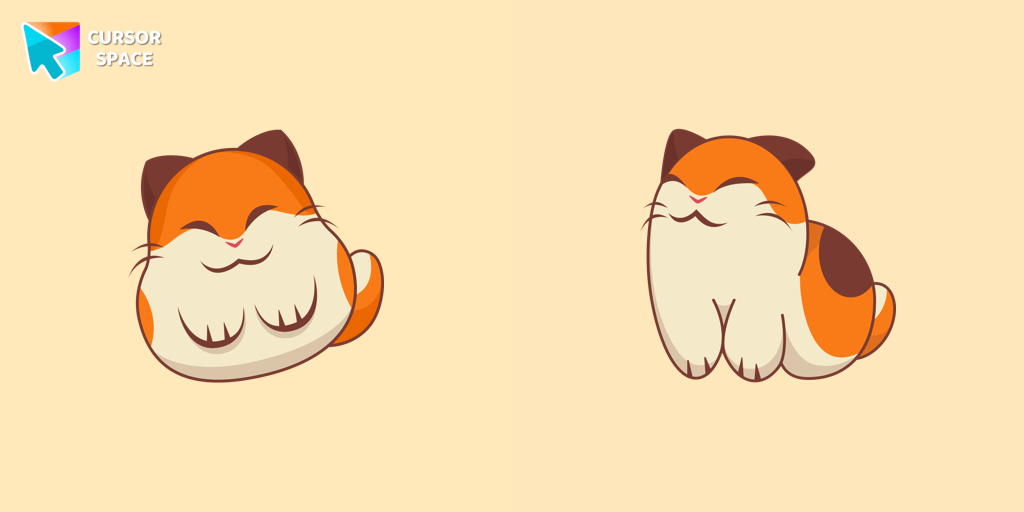
Nago cursor
(577)FreeNago, one of Kirby's animal friends, is a round and plump Japanese Bobtail. Originally designed for the game,

Red Cursor
(60)FreeSwap the default cursor for a charming red one. Turn the regular mouse into an irresistibly cute red cursor or just download it.
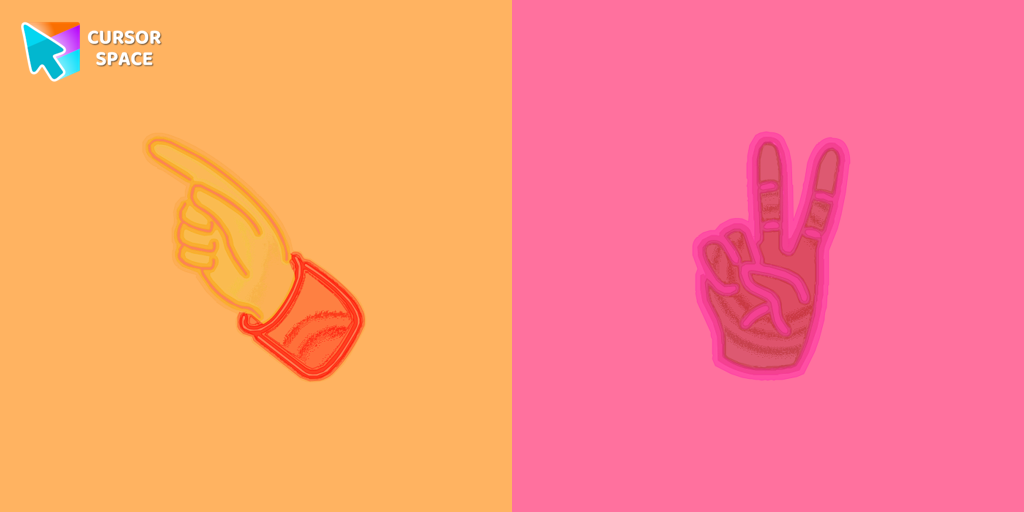
Pointer neon cursor
(2.0k)FreePointer Neon Cursor is a customizable cursor option for those who want to add some color to their computer interface.
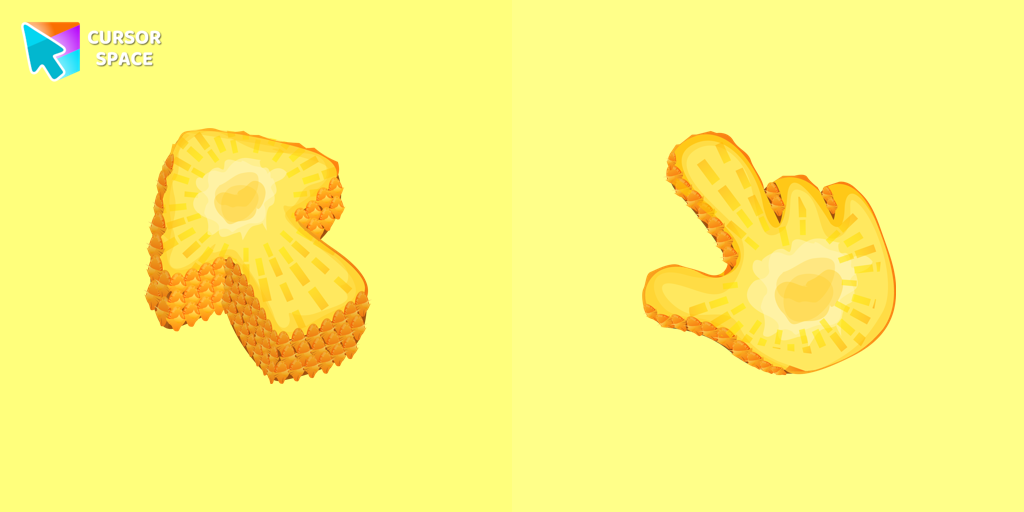
Pineapple Texture cursor
(166)FreeEnjoy a tropical touch with the Pineapple custom cursor for Google Chrome. Bring sunny vibes to your browsing with this fun and refreshing design.

Sea cursor
(731)FreeIntroducing our unique nautical cursor for web navigation! The charming Sea cursor is a great addition to your screen as a mouse pointer.
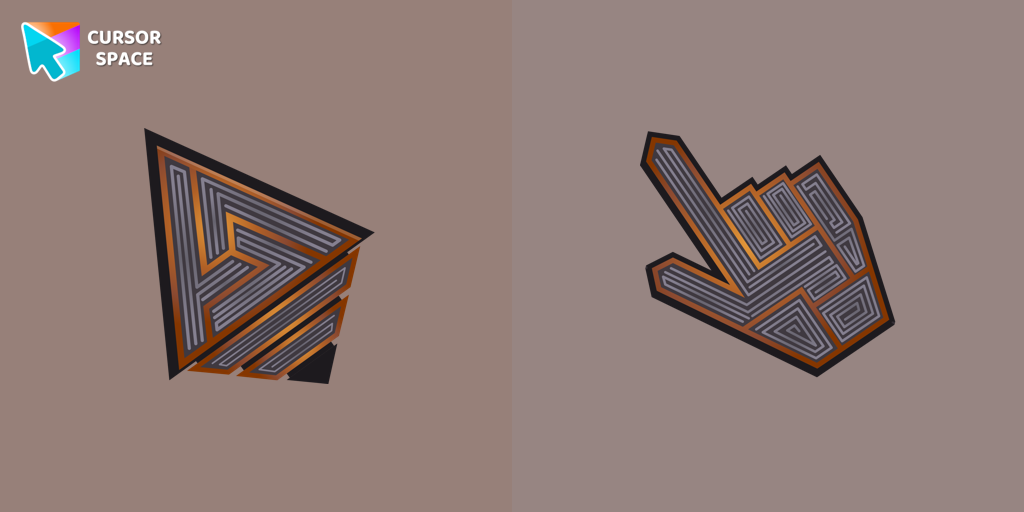
Labyrinth cursor
(461)FreeTransform your screen with our unique labyrinth custom cursor, perfect for adding timeless intrigue to your journey.
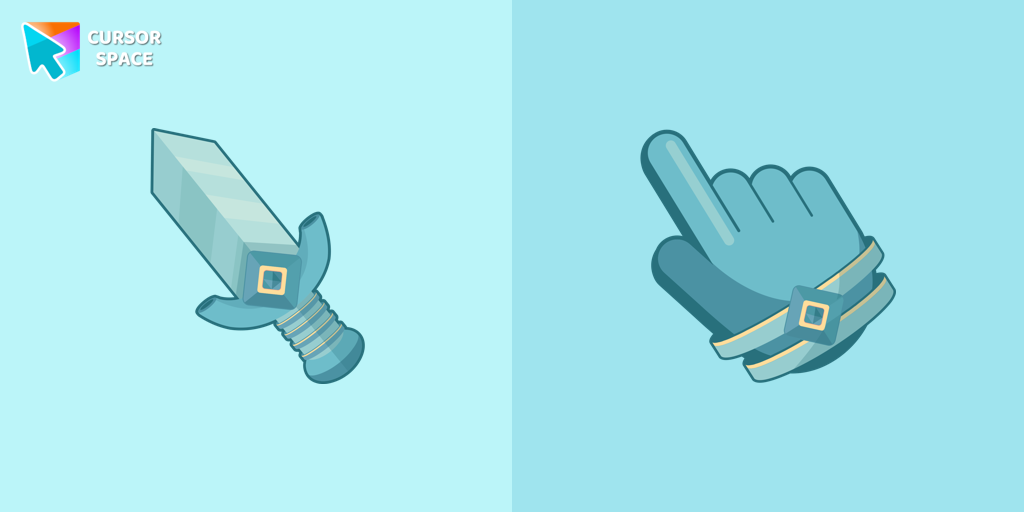
Knight cursor
(152)FreeThe Knight custom cursor is a cute and stylish mouse pointer. The Cursors collection for Chrome is ideal for fans of unique cursors.
Collection hits
Installation leaders from "The Cursors": free packs, neon/anime/pixel art, quick add to Chrome and Edge.
- TOP 1
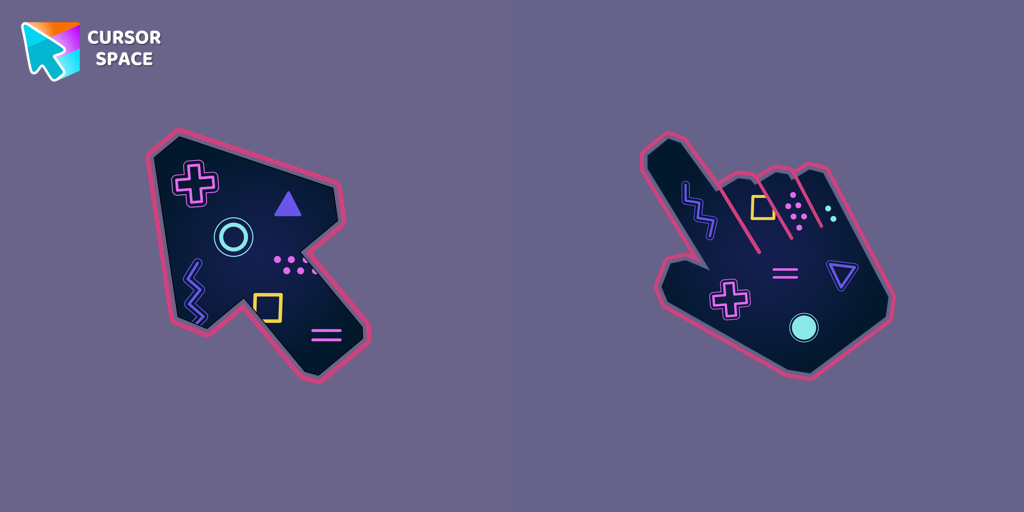
Game cursor
(828)FreeDiscover custom cursors for Chrome. From Game to Mechanical, find the perfect design to express your style and elevate your browsing.
- TOP 2
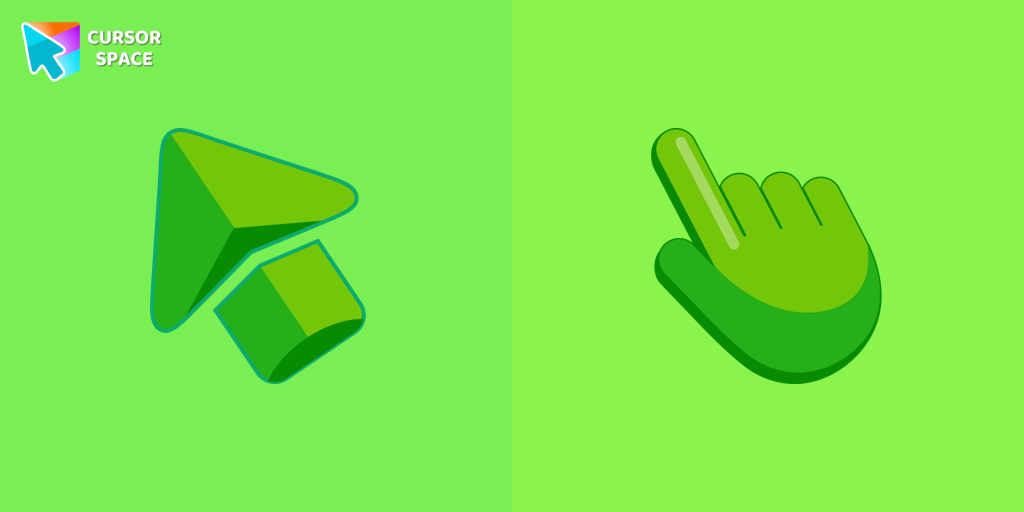
Green cursor
(768)FreeEnhance your browsing experience with the charming Green custom cursor, a delightful upgrade that transforms your ordinary pointer with style and playfulness.
- TOP 3
Sea cursor
(731)FreeIntroducing our unique nautical cursor for web navigation! The charming Sea cursor is a great addition to your screen as a mouse pointer.

Ghost cursor
(611)FreeUnleash the fear with The Ghost custom cursor for Chrome. Add a spine-chilling touch to your screen and conquer your Samhainphobia!
Labyrinth cursor
(461)FreeTransform your screen with our unique labyrinth custom cursor, perfect for adding timeless intrigue to your journey.
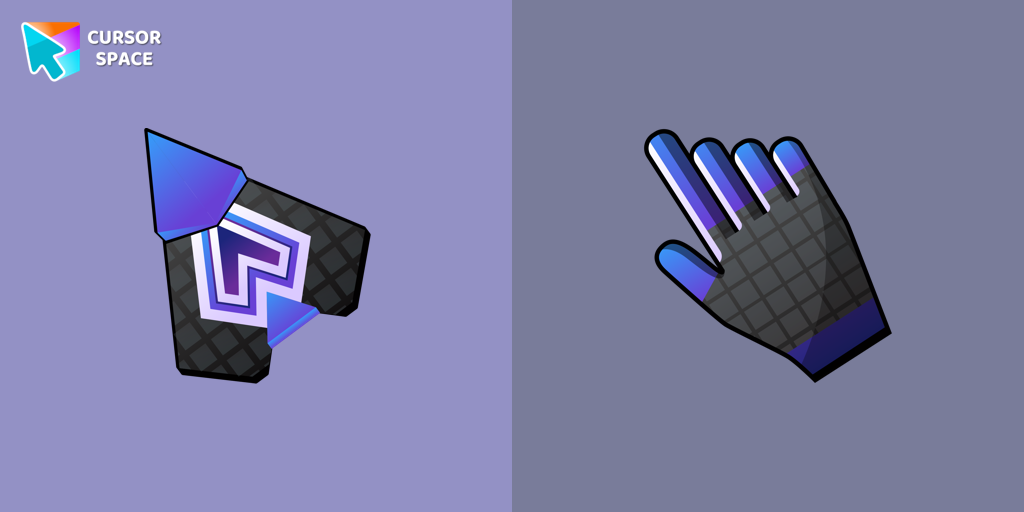
Spaceship cursor
(370)FreeEmbark on a cosmic adventure with our custom cursor spaceship design—sleek, stylish, and crafted for an extraordinary browsing experience!

Spinner cursor
(285)FreeThe Spinner cursor is a distinctive and visually appealing choice for your mouse cursor, providing an opportunity to set yourself apart from the default cursor.
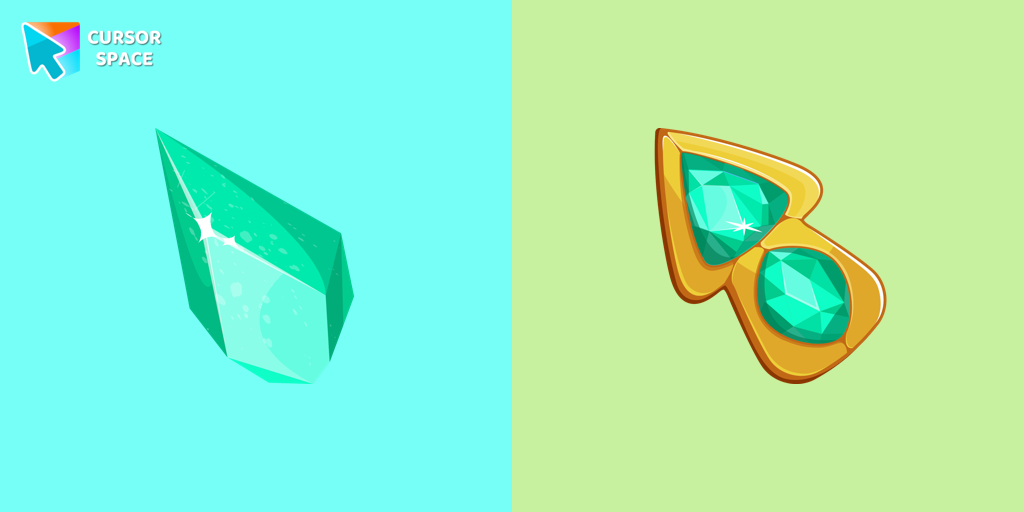
Green Amethyst cursor
(276)FreeUpgrade your browsing with the Green Amethyst custom cursor! Elegant and unique, it adds a touch of beauty to your screen. Make your pointer shine today!
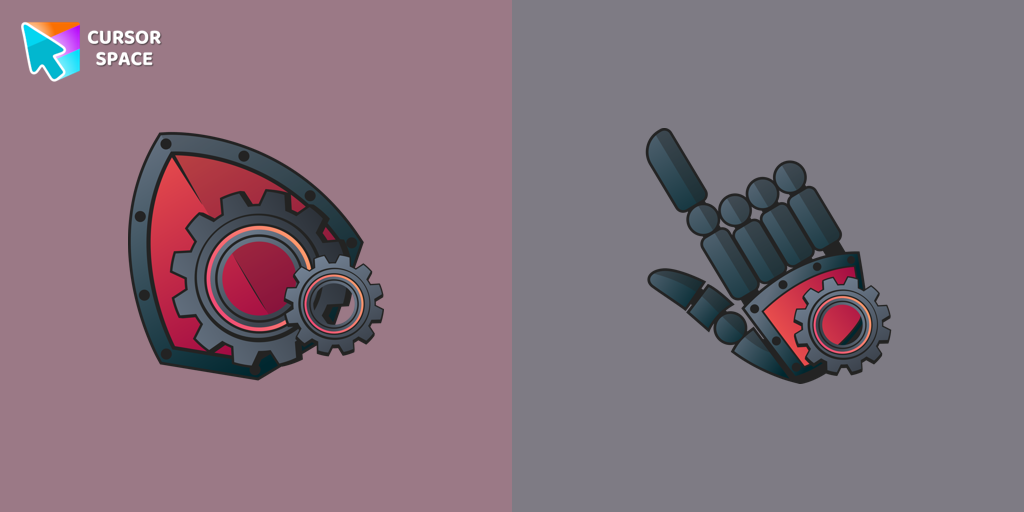
Mechanical cursor
(272)FreeUpgrade your desktop with the Mechanical custom cursor, a sleek blend of technology and elegance for a futuristic browsing experience.

Purple cursor
(198)FreeWelcome to our Cursors custom collection for Chrome, featuring a stunning purple cursor to enhance your browsing experience.
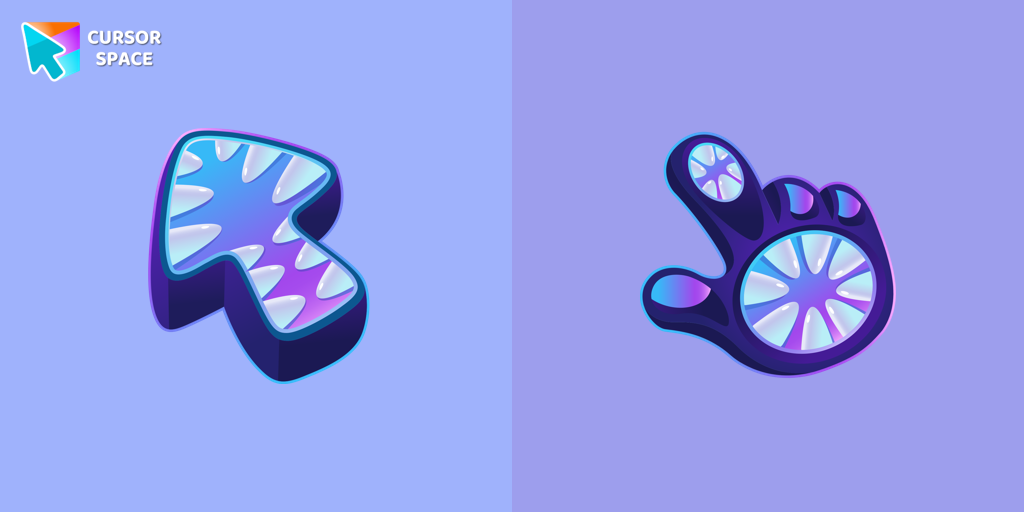
Monster cursor
(181)FreeElevate your cursor game with our Monster custom cursor. Discover unique designs for Chrome and stand out with style and creativity.
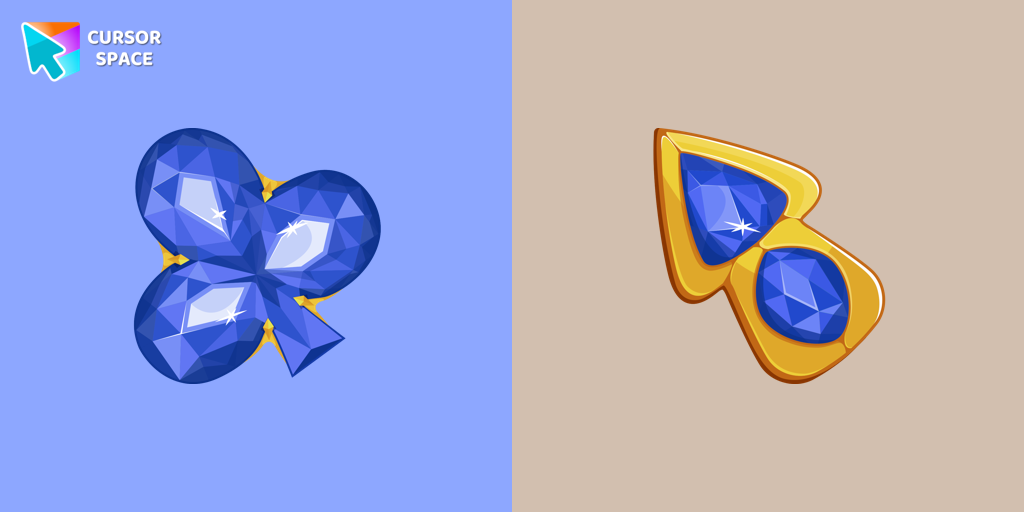
Blue Diamond cursor
(174)FreeThis blue cursor is the perfect choice if you're looking to add some charm and interest to your default mouse pointer.
Install Cursor Space - A Collection of Custom Cursors for Chrome & Edge
Add packs instantly and unlock access to thousands of cursors: neon, anime, pixel-art, and more. Fast, safe, and free.
- Free cursor packs
- HD/HiDPI & animated icons
- Quick browser installation
Cursor Space is an extension for changing your mouse cursor in Chrome and Edge browsers: themed collections, HiDPI icons, neon, animated, and pixel cursors, with quick installation.